
192 語
1 分
discord.pyのembedでローカルの画像を添付する
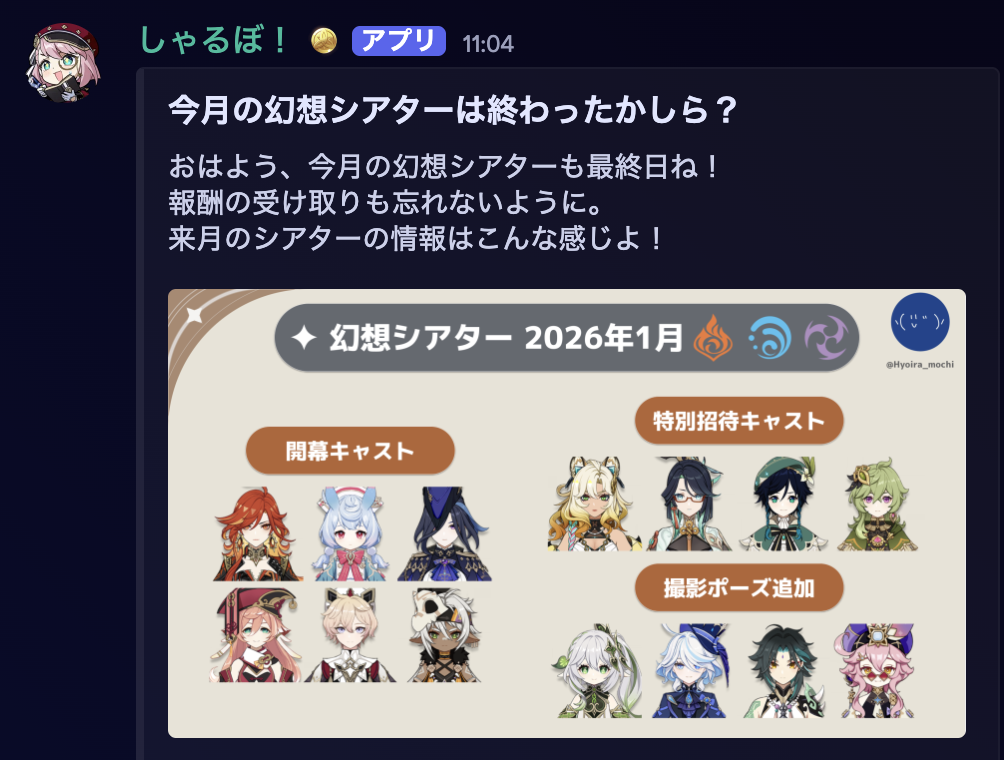
discord.py で embed (埋め込み) を送信するとき、こんな感じに画像をセットすることができる。
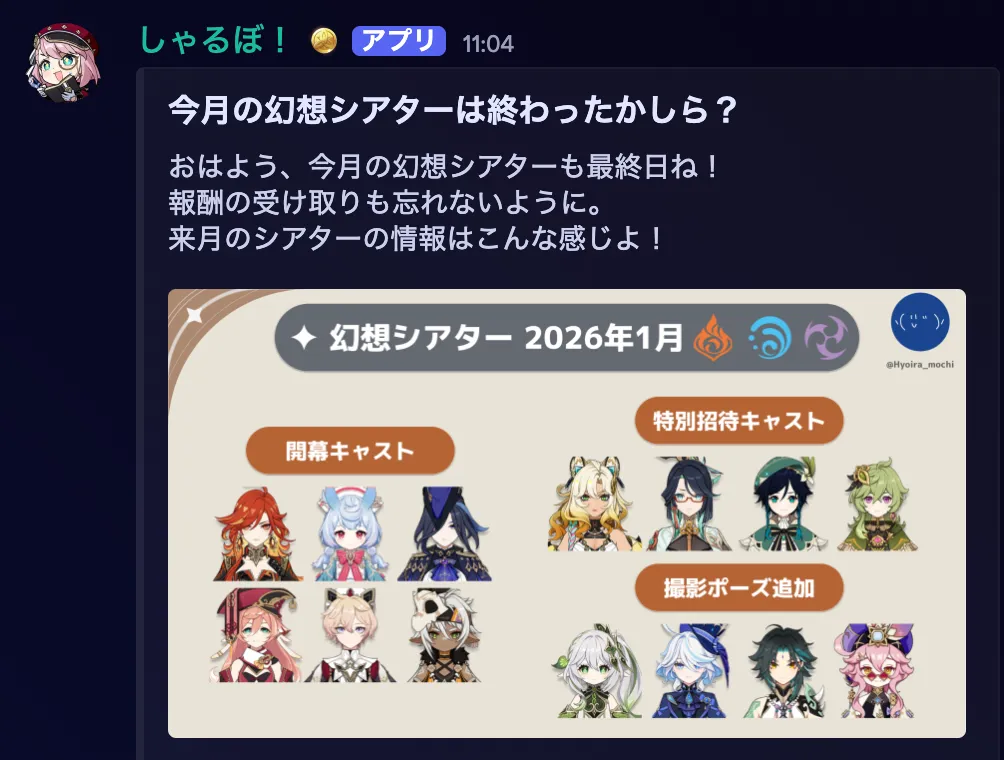
ただし、画像は URL で指定する必要がある。
The source URL for the image. Only HTTP(S) is supported. https://discordpy.readthedocs.io/en/stable/api.html?highlight=embed#embed
解決
このようにして discord.File で一緒に送信すればできる。
image = discord.File("img/theatre.png")embed = discord.Embed(title="今月の幻想シアターは終わったかしら?", description="おはよう、今月の幻想シアターも最終日ね!\n報酬の受け取りも忘れないように。\n来月のシアターの情報はこんな感じよ!")
embed.set_image(url="attachment://theatre.png")await channel.send(embed=embed, file=image)send するときに file=image の指定しなくても表示されたのはよくわからない
参考
シェア
この記事が役に立った場合は、ぜひシェアしてください!